Put the rental rules on your listings

Buyers and guests want to know whether a home can be rented short term before they call or book. LawfulStay puts that answer on your own listing pages, from the same records as lawfulstay.com, with each rule linked to its source.

Your clients get the answer without leaving your site, and without signing up anywhere.

See it working

Three working examples. Open one and click the badge on the listing, the way a visitor would.

For agents and brokerages

On an agent’s listing

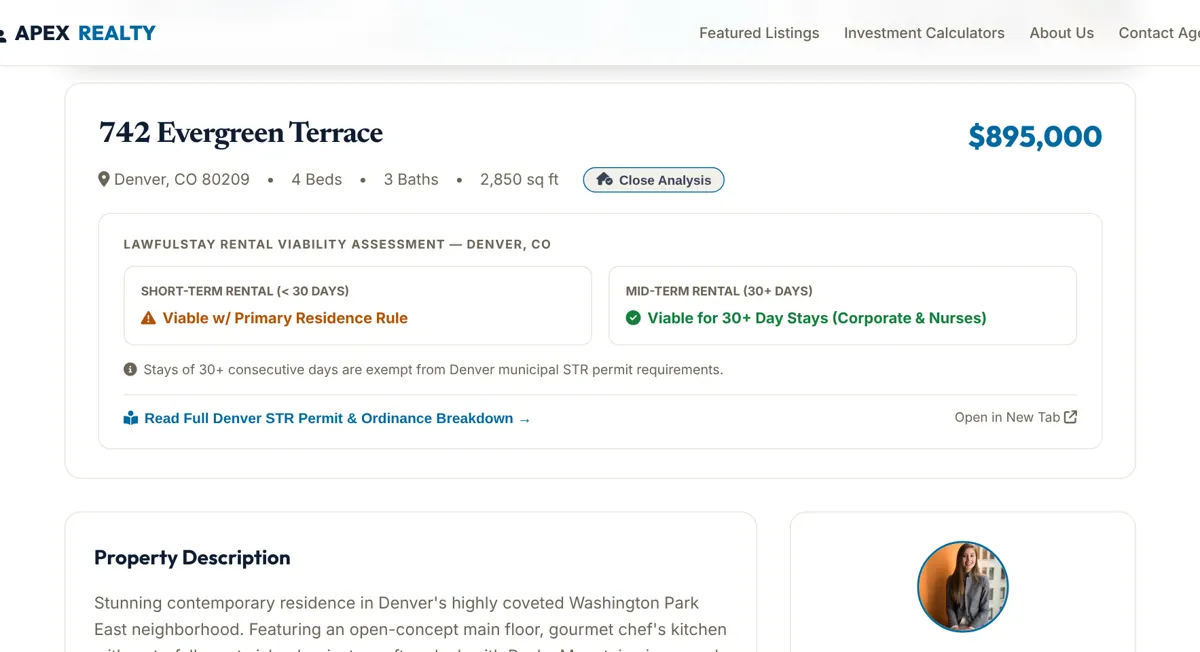
A “Rentability?” badge on a Denver listing opens the city’s answer for short and mid-term stays, with a link to the full Denver rules in a side panel. The visitor stays on the agent’s page.

Open the listing example →
For real estate sites

On a real estate site

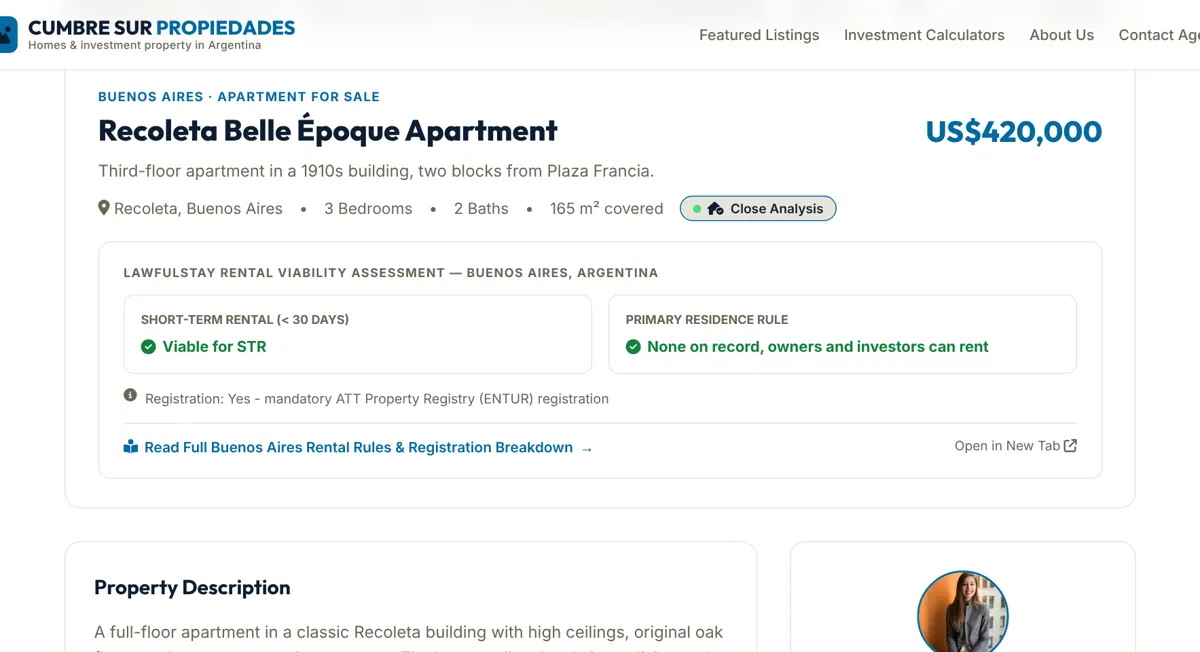
Every listing carries the same check, built from one API response per listing. The example shows that response next to the page, so your developers can see exactly what they would receive.

Open the real estate example →

For vacation rental sites and managers

On a vacation rental site

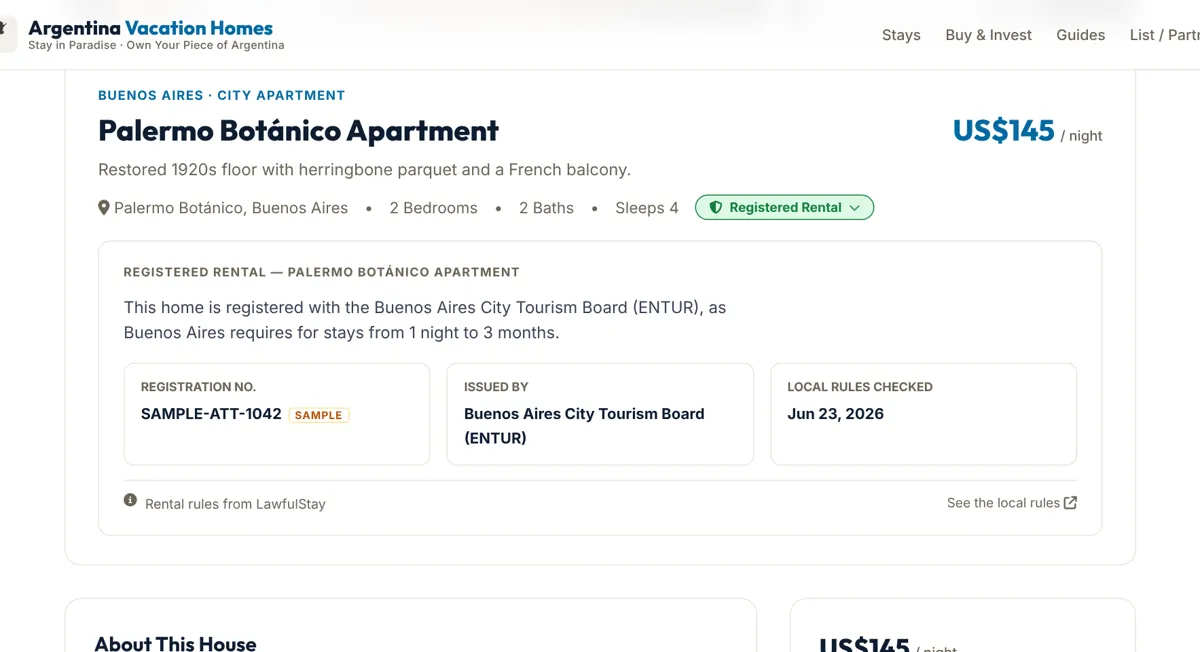
Guests see a badge only where the city allows short stays. When the site has the home’s registration number, the badge reads “Registered Rental” and shows who issued it.

Open the vacation rental example →

The agencies, agents, listings and photos in these examples are for illustration. The rental rules come from LawfulStay’s records.

On your site, or a free account?

Anyone can open a free LawfulStay account to read the rules for one place. Showing the answer on your listings does a different job.

On your siteA free LawfulStay account
Where people see itOn your listing or booking pageOn lawfulstay.com
Sign-up neededNone for your visitorsYes, with a confirmed email
Places coveredEvery listing you showOne place the person picks
Answer shownA badge on each listing, with the rules one click awayThe rules for that place
Registration number on the badgeYes, when you supply itNo
Whose site it isYours, in your designLawfulStay’s

Ways to connect

Start with whichever fits how your site is built.

Badge for your listings Early access

The badge and side panel from the examples, added to your listing pages.

Join early access →

Viability API

One request per listing returns the status, the key rules and the official source. Build your own badge or feed your own tools.

Get a free sandbox key →

State Access

Every market we track in a state, compared side by side, for teams that cover a whole state.

See State Access →

Talk to us about your site

Tell us how your listings are built and which places you cover, and we’ll show you what your visitors would see.

Book a call Try the API